
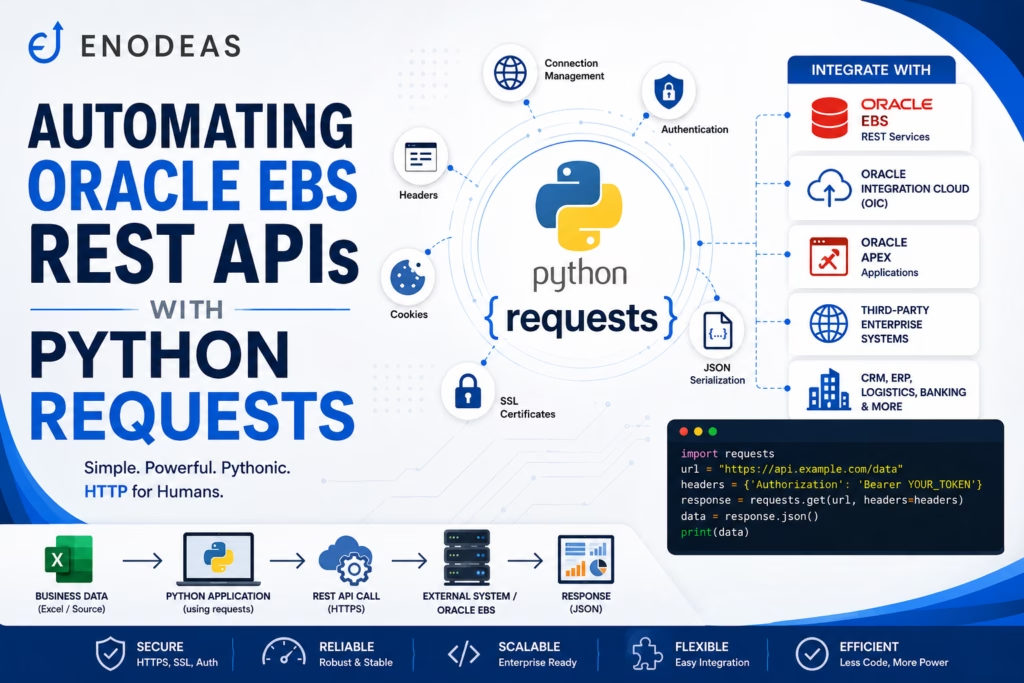
REST APIs with Python requests
Modern Oracle EBS implementations rarely operate in isolation. Organizations frequently integrate Oracle EBS with Oracle Integration Cloud (OIC), Oracle APEX, Salesforce, e-commerce platforms, third-party logistics providers, banking applications, and other enterprise systems. Most of these integrations rely on REST APIs to exchange data securely and efficiently.
Python’s requests library makes it easy to consume REST APIs, send and receive JSON data, authenticate using API tokens or OAuth, and automate business processes. Whether you’re retrieving customer information, creating sales orders, updating inventory, or calling Oracle Integration Cloud services, the requests library provides a simple and reliable way to integrate Oracle EBS with external applications.
In this guide, you’ll learn how to use the requests library for Python Automation in Oracle EBS, including authentication methods, REST API operations, error handling, and real-world Oracle EBS integration examples.
What is the requests Library?
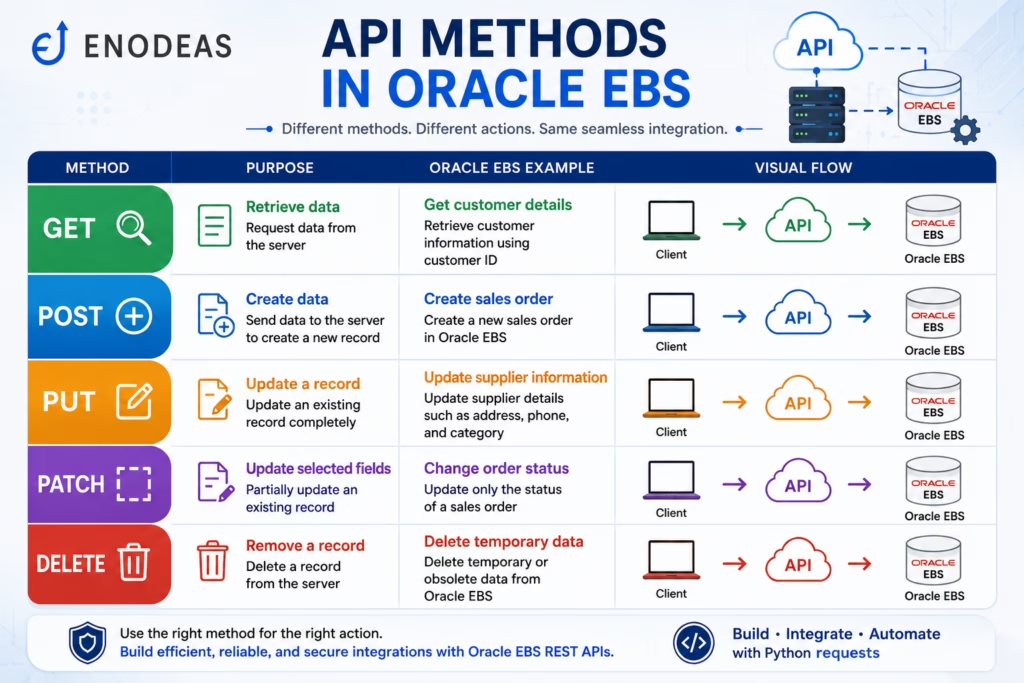
The requests library is one of the most popular Python packages for making HTTP requests. It simplifies communication with RESTful web services by allowing developers to send HTTP requests such as GET, POST, PUT, PATCH, and DELETE with just a few lines of code.
Instead of dealing with low-level networking, the library handles connection management, headers, authentication, cookies, SSL certificates, and JSON serialization automatically.
For Oracle EBS developers, requests is the preferred library for integrating Python applications with REST APIs exposed by Oracle EBS, Oracle Integration Cloud (OIC), Oracle APEX, and third-party enterprise systems.
Why Use requests with Oracle EBS?
REST APIs have become the standard method for integrating enterprise applications. Rather than exchanging CSV files or relying on manual imports, Oracle EBS can communicate with external systems in real time.
Common Oracle EBS integration scenarios include:
| Integration | Example |
|---|---|
| Oracle Integration Cloud (OIC) | Invoke integrations from Python |
| Oracle APEX | Submit or retrieve application data |
| Salesforce | Synchronize customers and opportunities |
| Shopify | Import online orders |
| Payment Gateway | Process payment confirmations |
| Logistics Provider | Track shipment status |
| CRM System | Update customer information |
| HR System | Synchronize employee records |
Benefits
- Real-time integrations
- Reduced manual effort
- Faster data synchronization
- Secure communication using HTTPS
- JSON support
- Easy authentication
- Seamless cloud integration
Installing the requests Library
Install the library using pip:
pip install requests
Verify the installation:
import requests

print(requests.__version__)
Understanding HTTP Methods
REST APIs use different HTTP methods depending on the operation.
| Method | Purpose | Oracle EBS Example |
|---|---|---|
| GET | Retrieve data | Get customer details |
| POST | Create data | Create sales order |
| PUT | Update a record | Update supplier information |
| PATCH | Update selected fields | Change order status |
| DELETE | Remove a record | Delete temporary data |
Sending Your First GET Request
A GET request retrieves information from an API.
import requests

url = "https://enodeas.com/api/customers"

response = requests.get(url)

print(response.status_code)
print(response.json())
In Oracle EBS, this could be used to retrieve customer, supplier, or inventory information from a REST service.
Sending a POST Request
POST requests are commonly used to create new records.
import requests

url = "https://enodeas.com/api/orders"

payload = {
    "customer":"ABC Corporation",
    "item":"Laptop",
    "quantity":5
}

response = requests.post(url, json=payload)

print(response.status_code)
This approach is commonly used when creating sales orders or submitting transactions to Oracle Integration Cloud.
Working with JSON Data
Most Oracle REST APIs exchange data using JSON.
Example response:
{
  "customerNumber":"1001",
  "customerName":"ABC Corporation",
  "country":"Germany"
}
Access values easily:
data = response.json()

print(data["customerName"])
Authentication Methods
Enterprise REST APIs are secured using authentication mechanisms.
Common authentication methods include:
- Basic Authentication
- Bearer Token
- OAuth 2.0
- API Keys
Example:
headers = {
    "Authorization":"Bearer YOUR_ACCESS_TOKEN"
}

response = requests.get(url, headers=headers)
Never hard-code credentials in production scripts. Use environment variables or a secure secrets manager.
Oracle EBS Use Case: Calling Oracle Integration Cloud (OIC)
Business Requirement
Whenever a new customer is approved in Oracle EBS, an Oracle Integration Cloud process should synchronize the customer with Salesforce.
Workflow:
Oracle EBS
      ↓
Python
      ↓
requests Library
      ↓
Oracle Integration Cloud
      ↓
Salesforce
Python sends the customer data as a JSON payload to the OIC endpoint, which performs the required transformations and forwards the information to Salesforce.
Oracle EBS Use Case: Retrieving Shipment Status
A logistics provider exposes a REST API that returns shipment updates.
Python can:
- Call the logistics API.
- Parse the JSON response.
- Update Oracle EBS shipment tables.
- Notify customer service if a shipment is delayed.
This approach provides near real-time visibility without manual tracking.
Oracle EBS Use Case: Creating Sales Orders
A web storefront receives online orders throughout the day.
Instead of uploading CSV files, Python can:
- Read the order details.
- Validate mandatory fields.
- Send the order to an Oracle EBS REST API.
- Receive the order number in the response.
- Log successful and failed transactions.
This enables seamless order processing with minimal manual intervention.
Handling Errors
Network interruptions, authentication failures, or invalid payloads can cause REST API calls to fail.
Use exception handling to manage these situations gracefully:
import requests

try:
    response = requests.get(url, timeout=30)
    response.raise_for_status()
except requests.exceptions.RequestException as error:
    print(error)
Proper error handling helps create more reliable automation scripts.
Best Practices
- Use HTTPS for all API communication.
- Store credentials securely.
- Validate request payloads before sending them.
- Log requests and responses for troubleshooting.
- Implement retries for temporary failures.
- Set appropriate timeout values.
- Avoid exposing sensitive information in logs.
- Separate API logic into reusable functions or modules.
Common Challenges
| Challenge | Solution |
|---|---|
| Authentication failures | Verify tokens and credentials |
| Network timeouts | Configure retries and timeouts |
| Invalid JSON | Validate payloads before sending |
| SSL certificate issues | Use trusted certificates and proper verification |
| Rate limits | Throttle requests and implement backoff strategies |
Frequently Asked Questions
Yes. The requests library makes it easy to call Oracle EBS REST APIs using standard HTTP methods and process JSON responses.
Yes. It supports OAuth workflows and bearer tokens commonly used by Oracle Integration Cloud and Oracle Cloud services.
Yes. You can send JSON data directly using the json parameter, which automatically serializes the payload and sets the appropriate Content-Type header.
Absolutely. It is widely used in enterprise environments for REST API integrations because it is reliable, well-documented, and easy to maintain.
Yes. The library can communicate with Salesforce, Shopify, banking systems, logistics providers, Oracle APEX, Oracle Integration Cloud, and virtually any platform that exposes REST APIs.
Conclusion
Python’s requests library is an essential tool for Python Automation in Oracle EBS. It enables Oracle EBS developers to integrate with REST APIs, exchange JSON data, authenticate securely, and automate business processes across enterprise applications. Whether you’re connecting Oracle EBS with Oracle Integration Cloud, Oracle APEX, Salesforce, or other third-party systems, the requests library provides a simple, powerful, and scalable solution for building modern integrations.
In the next article, we’ll explore how to use Paramiko to automate secure file transfers (SFTP) for Oracle EBS interface processing and enterprise integrations.

Pingback: The Ultimate Guide to Python Automation in Oracle EBS